
A docking station is a long term commitment. It sits at a site for years, and the choice shapes what your programme can do and what it costs to run. This guide covers the features that actually matter, so you can compare options on the things that count rather than the spec sheet headlines.
If you are still deciding between vendors, pair this with our DFR platform comparison. For a primer on how these systems work, see drone-in-a-box explained.
Start with the use case and the site
Before comparing products, be clear on three things: what the drone needs to do, where the dock will live, and what the site can provide. A rooftop in a town centre, a remote mast with no mains power, and a depot yard are three very different problems. The right dock for one is the wrong dock for another.
The features that matter
- Drone compatibility. Does the dock tie you to one manufacturer's aircraft, or can it work with more than one? Locking to a single drone limits your options later.
- Power. Mains is simple. Remote sites may need an off-grid supply, which changes the system and the install.
- Connectivity. The command link and video need reliable network coverage. Check what the dock supports and what your sites actually have.
- Environmental rating. Wind, rain and temperature limits decide whether the system works at your site all year or only in good weather.
- Recovery reliability. Precise, repeatable landing in real conditions is what makes unattended operation safe. Ask for evidence, not just a claim.
- Footprint and portability. A fixed install and a portable system solve different problems. Be clear which you need.
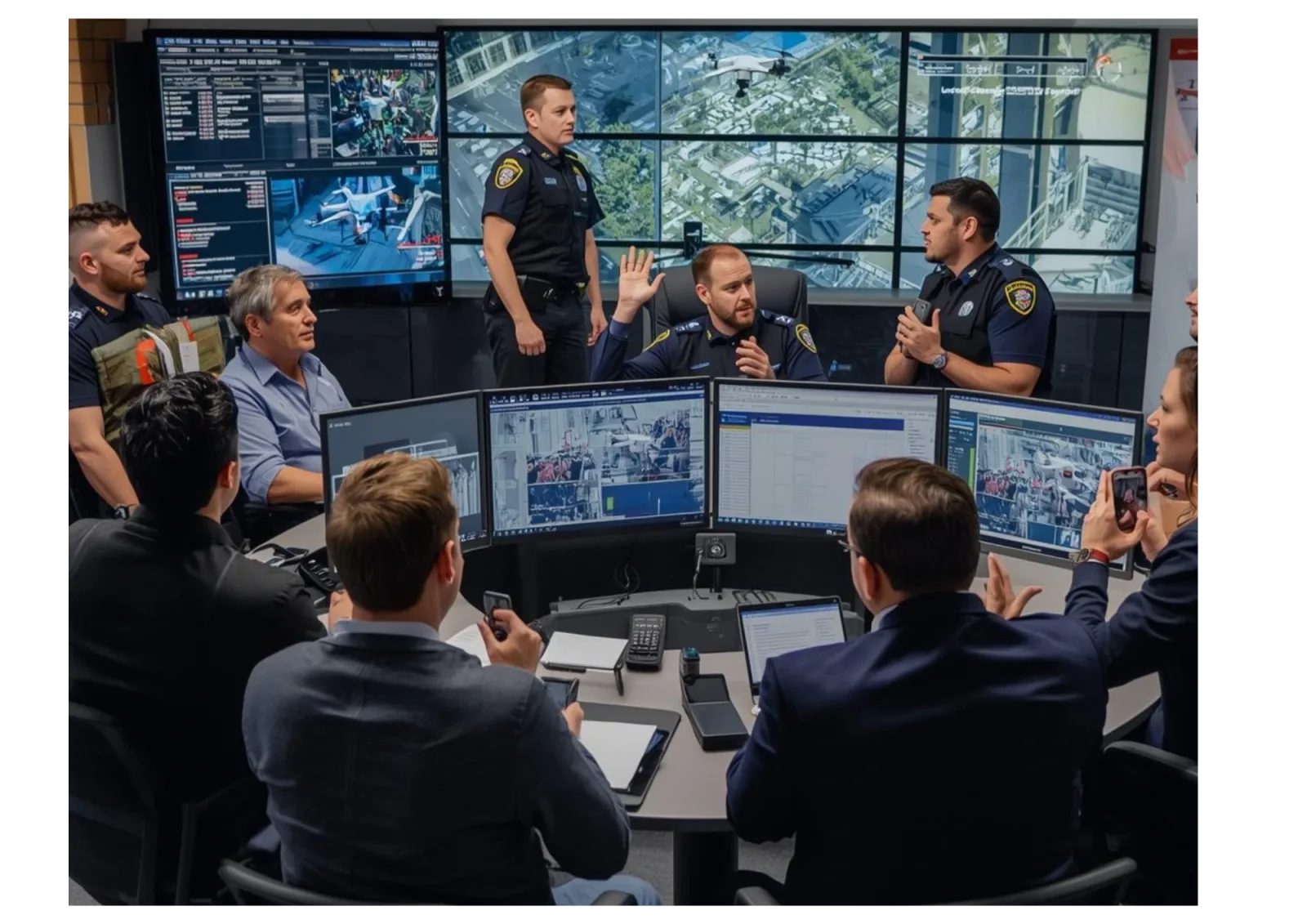
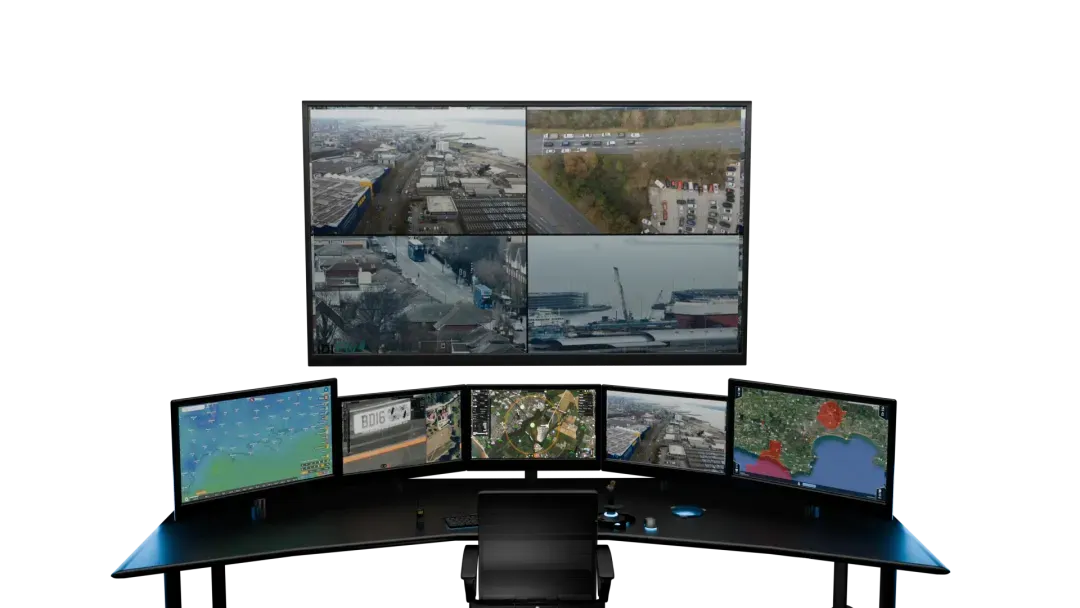
- Software. The dock is only as good as the platform that flies it. Mission planning, live viewing and sharing all live in the software.
Total cost of ownership
The purchase price is the start, not the whole cost. Factor in installation, power and network work, software and data subscriptions, training, support and maintenance, and the replacement cycle for drones and parts. The cheapest dock can become the most expensive programme once these are added up.
The IDI range
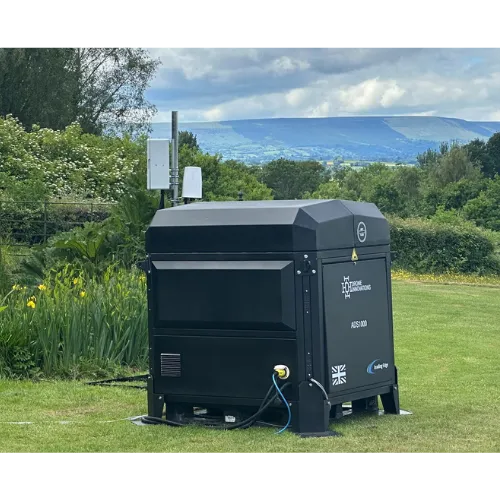
For context, IDI offers three docks for different situations: the ADS600 as a compact station, the ADS1000 as a rugged off-grid option, and the PDS as a portable deployment system. They run on IDI Fly, which is built to work across different drone types. You can see them on the IDI Docks page.
FAQs
What is the most important feature in a docking station?
Reliable recovery in real conditions. A dock that does not land and reset the drone cleanly every time cannot be trusted to run unattended, whatever else it offers.
Can a docking station run without mains power?
Some can, with an off-grid supply. If your site has no mains, this needs to be designed in from the start rather than added later.
Should I match the dock to one drone brand?
Not if you can avoid it. A system that works across drone types keeps your options open as needs and aircraft change.
How long does a docking station last?
The station is a multi year asset, though the drone and some parts follow a shorter replacement cycle. Build that into the cost of ownership.